What you need
A supported system and reachable target. The HTTP client and CA store are bundled. QUIC requires the target HTTPS service’s UDP port.
Procedure
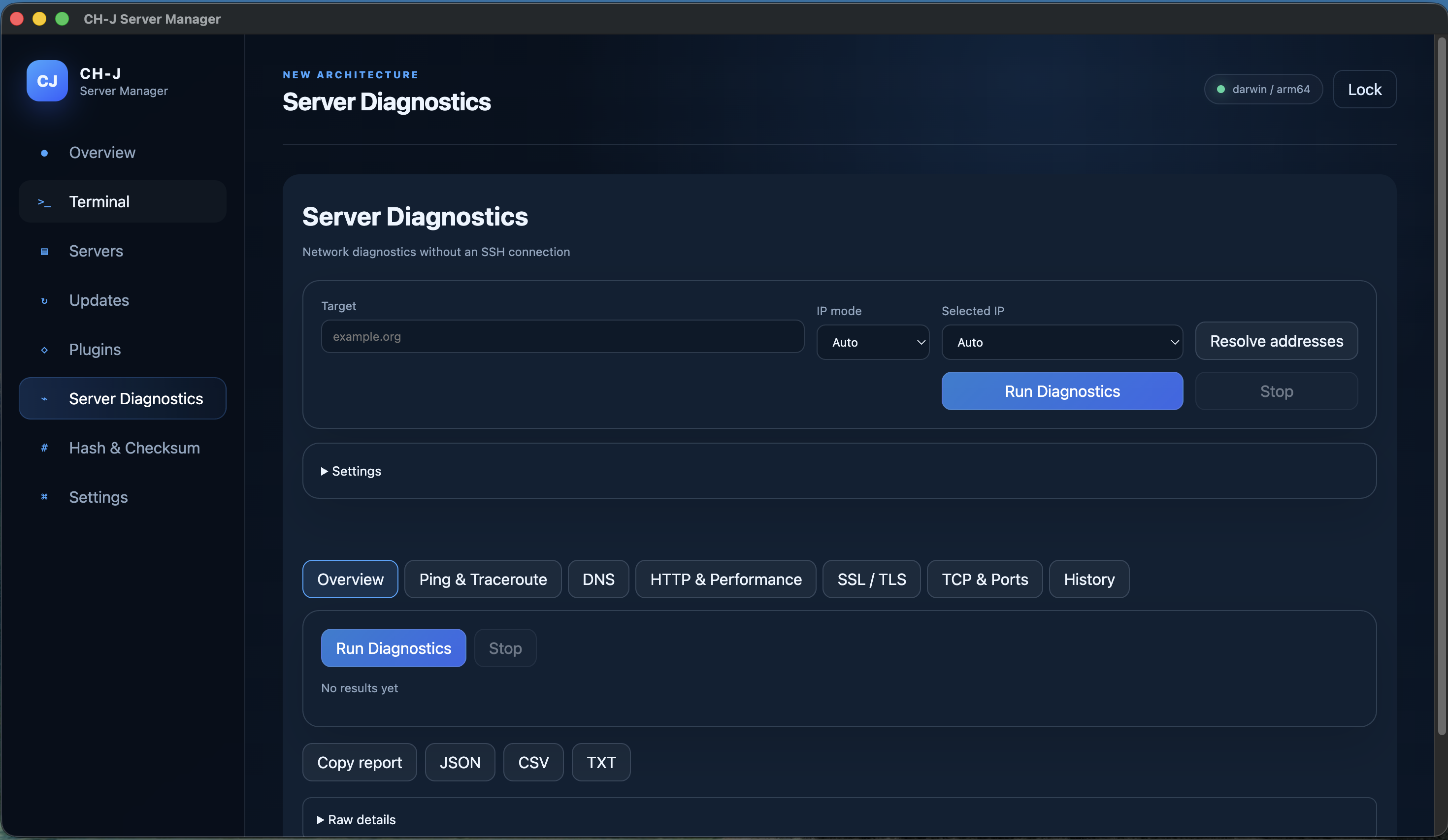
- After unlocking the vault, open Server Diagnostics. Enter a hostname, IPv4, IPv6 or URL and select Auto, IPv4, IPv6 or Both.
- Run the protocol comparison in HTTP. Distinguish the requested version, the protocol actually negotiated and an unavailable local tool.
- Check the bundled client version and HTTP/2 and HTTP/3 capabilities in the result.
- Run the TLS test as well. Compare individual measurements; saved runs can be reopened and exported to JSON, CSV and TXT.
curl --version
Limitations and checking results
Alt-Svc and HTTP/2 fallback do not prove HTTP/3. Actual HTTP/3 negotiation is required; blocked UDP can prevent the test.
DNSSEC is not validated. ICMP loss alone does not mean a server is down. Exports omit response bodies, cookies, authentication data and URL queries.
An Alpha development version is available. Before using it on important systems, review the limitations of individual features and prepare backups.