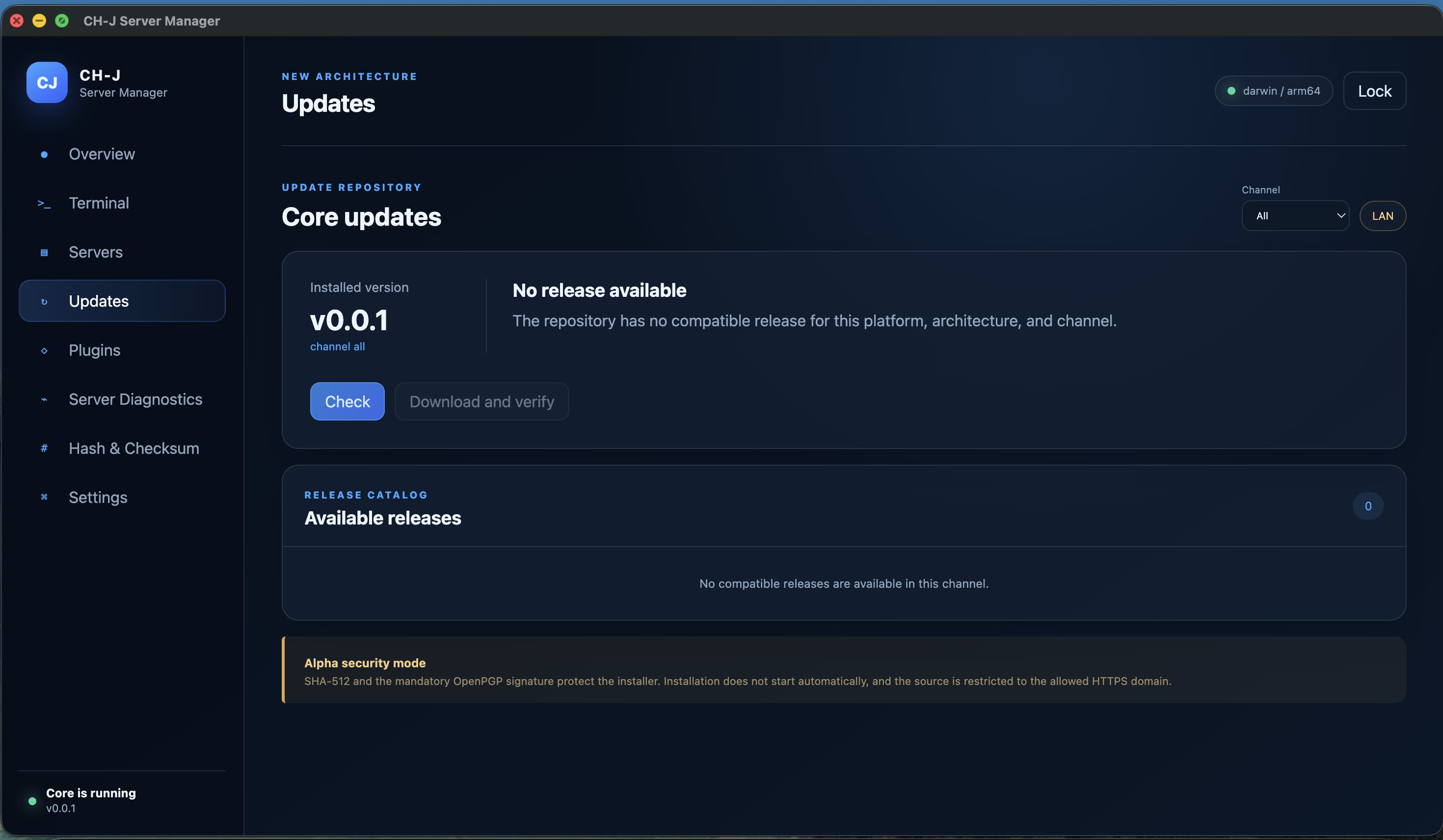
What you need
GnuPG, the installer, matching .asc signature, public CH-J key and an independently trusted expected key fingerprint.
Procedure
- Choose your platform on the releases page. In the details, download the package, its matching .asc signature and the public signing key.
- Display the key fingerprint with the command below. Compare it through an independent trusted channel; downloading a key alongside a package does not establish its identity.
- Import the verified key and run gpg --verify with the exact signature and package filenames. Check the result and the identity of the signing key.
- Also compare the complete SHA-512 with the catalog. Do not run the file if its signature fails or checksums differ.
Public OpenPGP key · Release archive
gpg --show-keys --fingerprint ch-j-signing-public.asc
gpg --import ch-j-signing-public.asc
gpg --verify <file>.asc <file>
Download the package and its .asc file from the same release details. Check the public key fingerprint through an independent trusted channel, import the key and run gpg --verify. Then compare the complete SHA-512 with the catalog. Do not run the file if verification fails or values differ. Replace <file> with the actual filename.
Limitations and checking results
A valid signature verifies the file against that key. Establishing trust in the key is a separate step; Good signature alone is insufficient.
OpenPGP does not replace a Windows publisher signature or Apple notarization. Alpha packages may trigger operating system warnings.
An Alpha development version is available. Before using it on important systems, review the limitations of individual features and prepare backups.