What you need
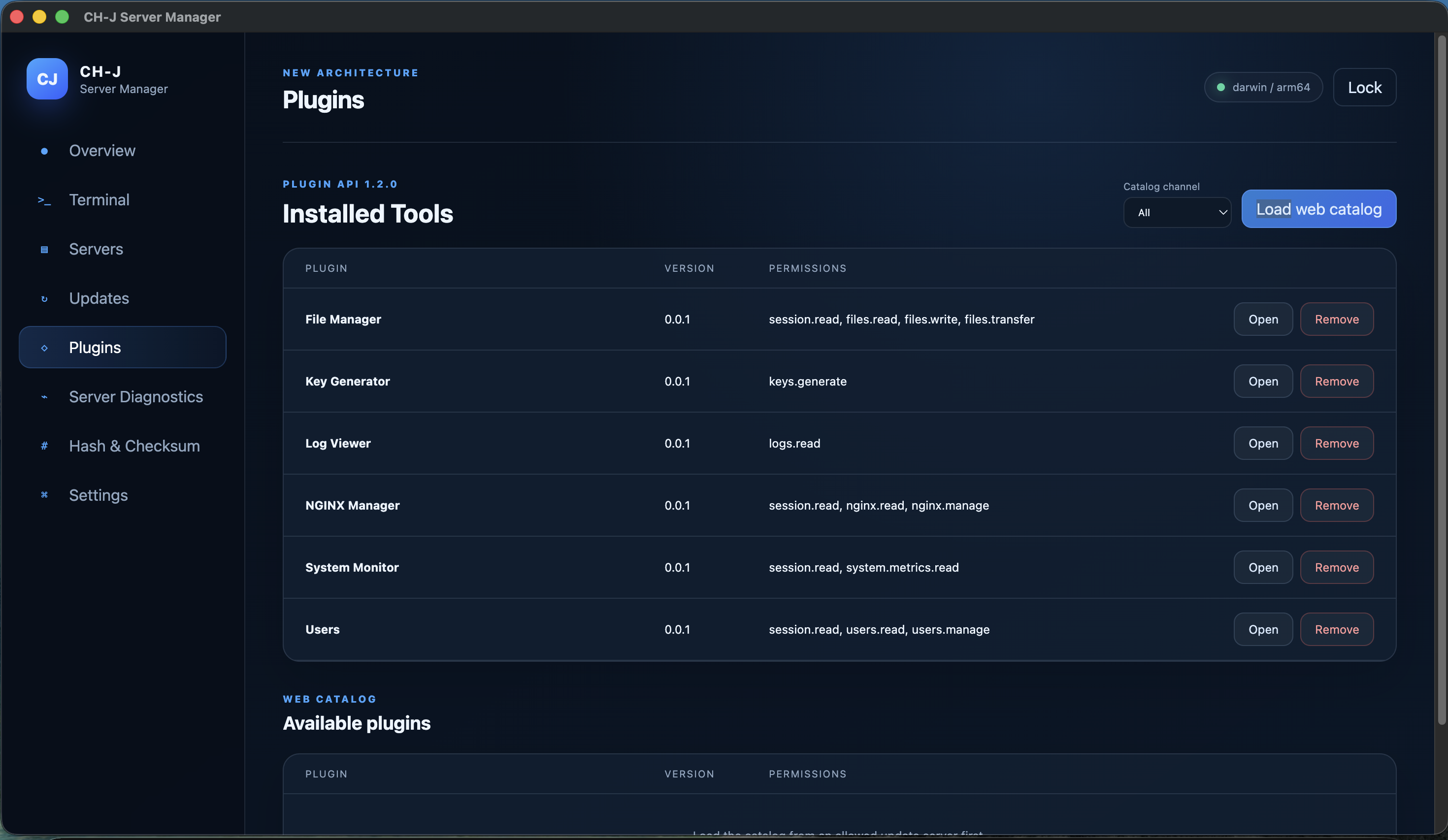
A supported desktop system, Linux server with SSH, verified profile and available System Monitor plugin.
Procedure
- Prepare and verify the SSH profile. Check System Monitor availability under Plugins.
- Open System Monitor and select the SSH server. Use an account allowed to read the required system information.
- Inspect CPU, RAM and swap, filesystem usage, uptime and network interfaces including RX/TX.
- Cross-check unexpected readings directly on the server. Disconnect when finished; locking the vault ends connections and plugins.
Limitations and checking results
This desktop tool depends on the SSH connection. It does not promise continuous supervision, an SLA or automatic alerts, and does not replace a long-term monitoring system.
Available readings depend on the Linux system and account permissions. An SSH outage alone does not prove that every server service is down.
An Alpha development version is available. Before using it on important systems, review the limitations of individual features and prepare backups.